Java 9: Modules, Interactive REPL, and Flow Control
Java 9: Modularization and Developer Experience
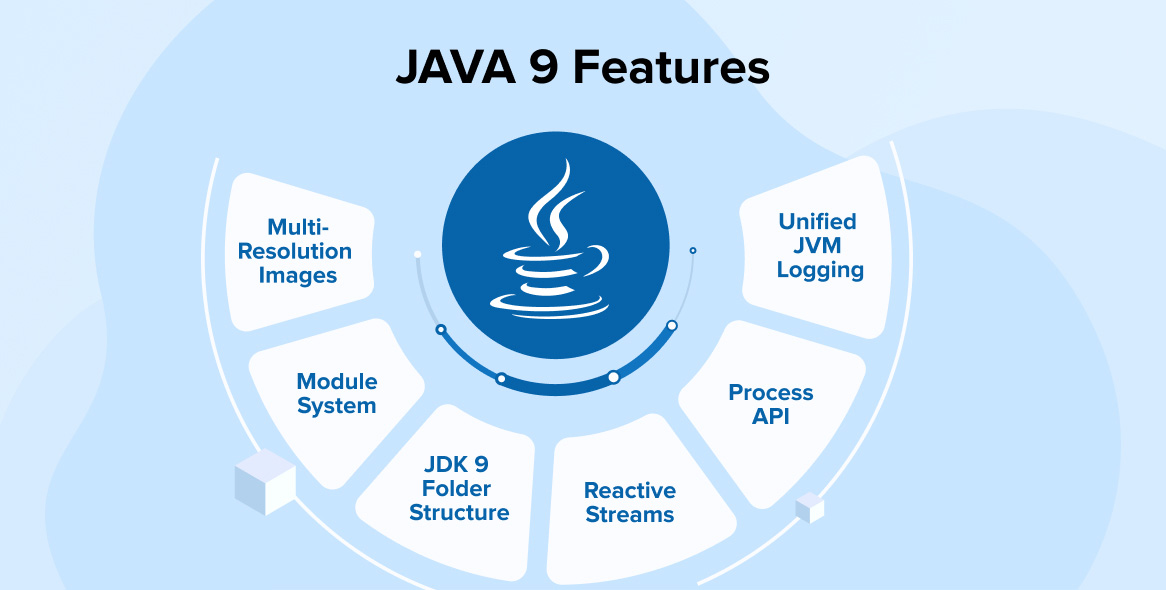
Java 9 (September 2017) introduced the Java Platform Module System (JPMS), fundamentally changing how large applications are structured. Additionally, it brought interactive development tools and enhanced stream operations.
1. Java Platform Module System (JPMS)
The module system allows you to declare explicit dependencies and encapsulation at a deeper level.
Module Declaration (module-info.java):
// Define a module with explicit dependencies
module com.example.ordering {
    requires com.example.payment;     // Required dependency
    requires java.logging;             // Standard library module

    exports com.example.ordering.api;  // Public API
    exports com.example.ordering.model; // Model classes
}

// Payment module
module com.example.payment {
    requires java.base;
    exports com.example.payment.api;

    // Restrict access to internal packages
    opens com.example.payment.internal to com.example.payment.test;
}
Example Usage:
// Can only import exported packages
import com.example.payment.api.PaymentProcessor; // ✓ Allowed
// import com.example.payment.internal.Config; // ✗ Not allowed
Benefits:
Legacy: All JARs on classpath - potential conflicts
JPMS:  Explicit dependencies - clear relationships
2. JShell REPL
JShell provides an interactive Read-Eval-Print Loop for quick Java experimentation.
$ jshell

jshell> int x = 10;
x ==> 10

jshell> System.out.println(x * 2);
20

jshell> List<String> names = Arrays.asList("Alice", "Bob");
names ==> [Alice, Bob]

jshell> names.stream().map(String::toUpperCase).forEach(System.out::println);
ALICE
BOB

jshell> /history
1 : int x = 10;
2 : System.out.println(x * 2);
3 : List<String> names = Arrays.asList("Alice", "Bob");
4 : names.stream().map(String::toUpperCase).forEach(System.out::println);

jshell> /exit
3. Improved Stream Operations
New stream operations for better data processing.
// dropWhile: Skip elements while condition is true
List<Integer> numbers = Arrays.asList(1, 2, 3, 4, 5, 1, 2);
numbers.stream()
    .dropWhile(n -> n < 3)
    .collect(Collectors.toList()); // [3, 4, 5, 1, 2]

// takeWhile: Take elements while condition is true
numbers.stream()
    .takeWhile(n -> n < 4)
    .collect(Collectors.toList()); // [1, 2, 3]

// ofNullable: Create stream from nullable value
Optional<String> username = Optional.of("john");
Stream<String> stream = username.stream();
stream.forEach(System.out::println); // john

// Stream.of with varargs
Stream.of("a", "b", "c")
    .forEach(System.out::println);
4. Private Methods in Interfaces
Interfaces now support private methods for code reuse.
public interface DataProcessor {
    void processData(List<String> data);

    // Public default method
    default void logData(List<String> data) {
        System.out.println("Processing: " + data);
        validate(data);
        transform(data);
    }

    // Private methods for internal use
    private void validate(List<String> data) {
        if (data == null || data.isEmpty()) {
            throw new IllegalArgumentException("Empty data");
        }
    }

    private void transform(List<String> data) {
        data.replaceAll(String::toUpperCase);
    }

    // Private static method
    private static void log(String message) {
        System.out.println("[PRIVATE] " + message);
    }
}
5. Immutable Collections
Factory methods for creating immutable collections.
// Before Java 9: Verbose and not truly immutable
List<String> list = new ArrayList<>();
list.add("a");
list.add("b");
List<String> immutable = Collections.unmodifiableList(list);

// After Java 9: Clean factory methods
List<String> immutable = List.of("a", "b", "c");
Set<String> set = Set.of("x", "y", "z");
Map<String, Integer> map = Map.of("one", 1, "two", 2);

// Truly immutable - cannot be modified
// immutable.add("d"); // Throws UnsupportedOperationException
6. Try-With-Resources Enhancement
Final variables can now be used as resources.
// Before Java 9
BufferedReader reader1 = new BufferedReader(new FileReader("file.txt"));
try (BufferedReader reader = reader1) {
    String line;
    while ((line = reader.readLine()) != null) {
        System.out.println(line);
    }
}

// After Java 9: Cleaner syntax
BufferedReader reader = new BufferedReader(new FileReader("file.txt"));
try (reader) {
    String line;
    while ((line = reader.readLine()) != null) {
        System.out.println(line);
    }
}
Developer Impact
Positive:
- Fast Feedback Loop: JShell accelerates learning and prototyping
- Better Encapsulation: JPMS ensures only intended APIs are exposed
- Cleaner Code: Immutable collections reduce defensive copying
- Scalability: Modules support larger projects without conflicts
Challenges:
- Migration Complexity: Moving to modules requires significant refactoring
- Learning Curve: Module system concepts are dense
- Build Complexity: Module path configuration adds complexity
Pros and Cons
Pros ✅
- Modularization: Clear dependency management for large systems
- JShell: Rapid experimentation and learning
- Encapsulation: Strong boundaries between modules
- Immutable Factories: Simpler, safer immutable collections
- Private Interface Methods: Better code organization
- Stream Enhancements: More flexible stream processing
Cons ❌
- JPMS Complexity: Steep learning curve for module system
- Migration Effort: Updating legacy applications is challenging
- Build Overhead: Module configuration complicates build process
- Debugging: Module resolution issues are hard to troubleshoot
- Compatibility: Some libraries don't work well with modules
Conclusion
Java 9 introduced critical infrastructure improvements with the module system, making Java suitable for building massive, maintainable applications. JShell brought the convenience of scripting languages to Java. While JPMS adoption has been gradual, it's essential for modern enterprise applications.
Key Takeaways:
- Use modules for new large-scale projects
- Use JShell for quick experimentation and learning
- Use immutable collection factories for safe data handling
- Gradually migrate legacy code to modules